Core Concepts
Workspaces, detection-as-code, evidence, change requests and the release pipeline — the ideas Talon is built on.
What it is
Talon Studio rests on a small set of concepts that show up in every product. Learn these five and the rest of the platform reads naturally: workspaces, detection-as-code, evidence, change requests, and the release pipeline.
How it works
A workspace is a self-contained project: members, SIEM and translation config, sourcetypes, and detections all belong to it, like a GitHub repo with branch protection. Each workspace maps to one Git repo under /data/repos with a predictable layout.
Workspaces created before this layout keep their detections in detections/ at the repository root; everything else is the same.
Detection-as-code means the YAML file is the contract. It carries the rule — Sigma logic or a native query, plus severity, MITRE mapping, and a per-SIEM queries block — and Postgres only caches it for fast UI reads. Evidence is the other half of the equation: Connect introspects the SIEM's indexes, sourcetypes, and fields so coverage is measured against telemetry you genuinely have, not a theoretical catalogue.
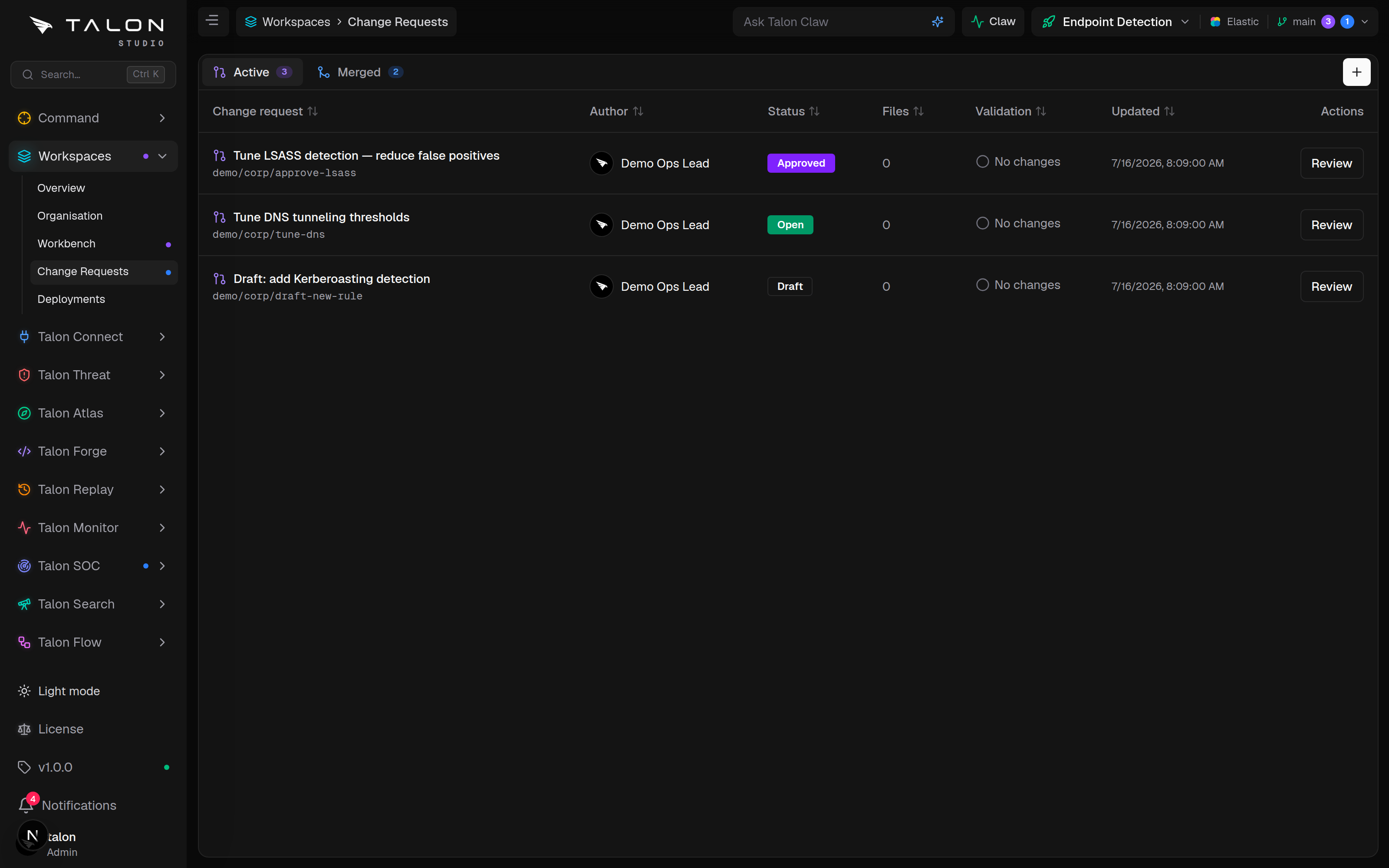
When you edit a detection, the change lands on a branch and opens a change request. RBAC is enforced two ways: per-workspace roles — viewer, engineer, owner — gate who can edit and merge, and org roles — admin, engineer, analyst, readonly — govern the appliance itself.
Setup
There's nothing to install for these concepts — they come with the appliance. To put them to work:
Usage
In day-to-day use the concepts chain together. An engineer edits a detection in Forge; the save opens a change request on a branch instead of writing straight to main. The CR shows a diff, runs a validation check as a status gate, and waits for an owner. On approval it merges to main, which is the production truth for that workspace.
The release pipeline then deploys from main: it converts the neutral rule to each configured SIEM on the way out (convert-on-deploy), so a detection written once ships to every platform you run. On the Community Edition deploys come from main only; deploying another branch to its own SIEM is an Enterprise feature. If a deploy misbehaves, one-click rollback returns the SIEM to the previous known-good state — on Splunk, Sentinel, Elastic and Chronicle targets alike — while Git keeps the full audit trail.