Talon SearchTalon Studio v1.0.4-beta
Notebooks
Keep an investigation in one place: notes and searches in order, each search's results saved as they were when it ran, and an optional link to the SOC case it serves.
What a notebook holds
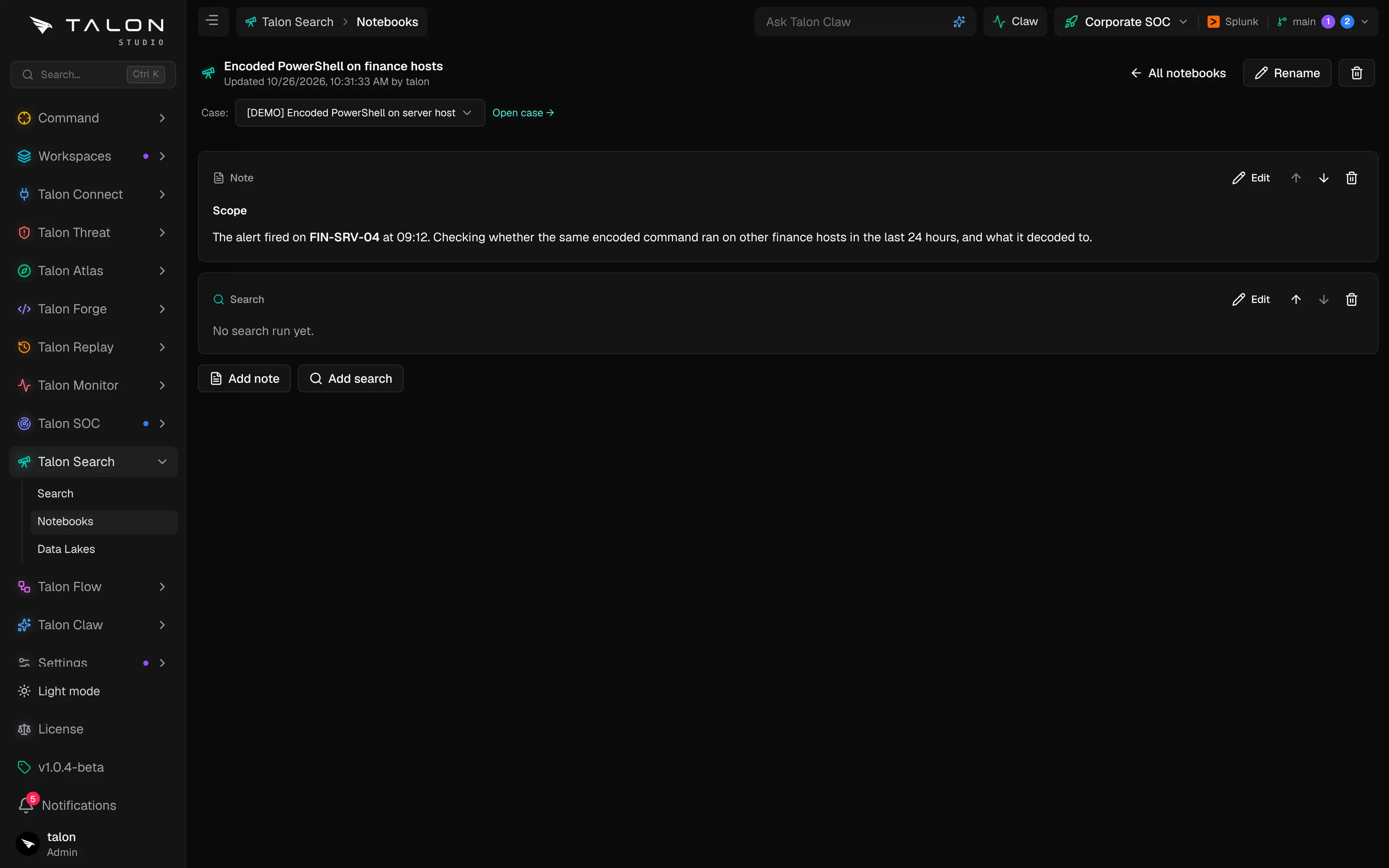
Notebooks (/search/notebooks) lists the active workspace's notebooks with their linked case, how many cells each holds, and when and by whom it was last updated. A notebook is an ordered list of cells. Running a search cell saves its query and its results together, so a reader sees exactly what the investigator saw.
Who can do what
Everyone with access to the workspace can read its notebooks. Creating, renaming and deleting a notebook, editing its cells, running its searches and linking a case need the engineer role on the workspace; read-only users can only read. A notebook holds up to 50 cells.
Working in a notebook
1
Select a workspace, open Talon Search → Notebooks and choose New notebook. Name the investigation and the notebook opens.
2
Add note to write in Markdown, or Add search to run a query. A search cell has the same Guided and Raw KQL modes, sources and time ranges as Search, under the same rules: read-only, audited, and one source at a time on the Community Edition.
3
Edit a cell to change it; running a search again replaces its saved results. Move cells up or down, or remove them.
4
Link the investigation to its case with the Case selector under the notebook's title, and use Open case to go to it.